Think out loud
Get clear explanations, practical suggestions, and structured fixes for the questions that slow you down.
Dhruv is a focused AI command center for developers. Understand code, investigate errors, improve projects, and keep your context close to home.
$ npm install -g @rahul05ranjan/dhruv-cli
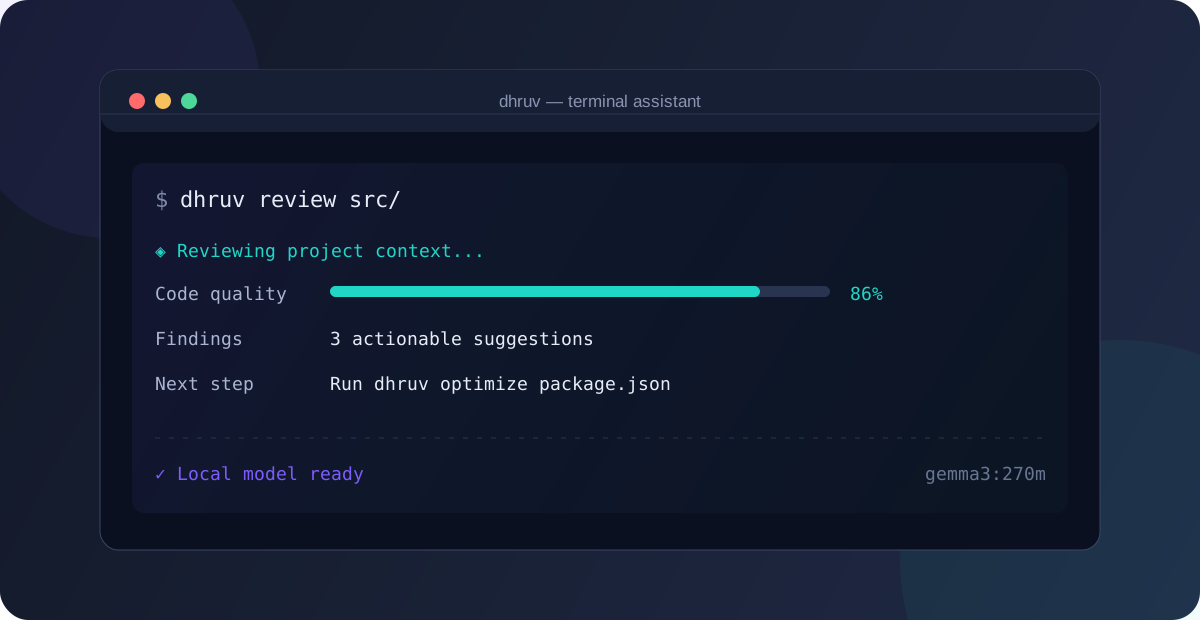
Dhruv keeps the high-value developer workflows one command away, with local models and a terminal-native experience.
Get clear explanations, practical suggestions, and structured fixes for the questions that slow you down.
Review files and directories, optimize configurations, and run security analysis close to the source.
Use JSON output, shell completion, an interactive command palette, or add your own project plugins.
Short commands, useful defaults, and a workflow that follows the way developers actually work.
suggest <query>Explore an approachexplain <query>Make it clearfix <query>Find a way forwardgenerate <type> <target>Make a first draft$ dhruv review src/ ◈ Reviewing project context... Code quality 86% Findings 3 actionable suggestions Next step Run dhruv optimize package.json ✓ Local model ready gemma3:270m
Bring your own local model, choose your preferences, and start asking better questions.
Requires Node.js 20.19 or newer.
npm install -g @rahul05ranjan/dhruv-cli
Install Ollama, then pull a local model.
ollama pull gemma3:270m
Use the setup wizard to choose your model, output, and theme.
dhruv init
Read the API reference, add a plugin, or join the project on GitHub.